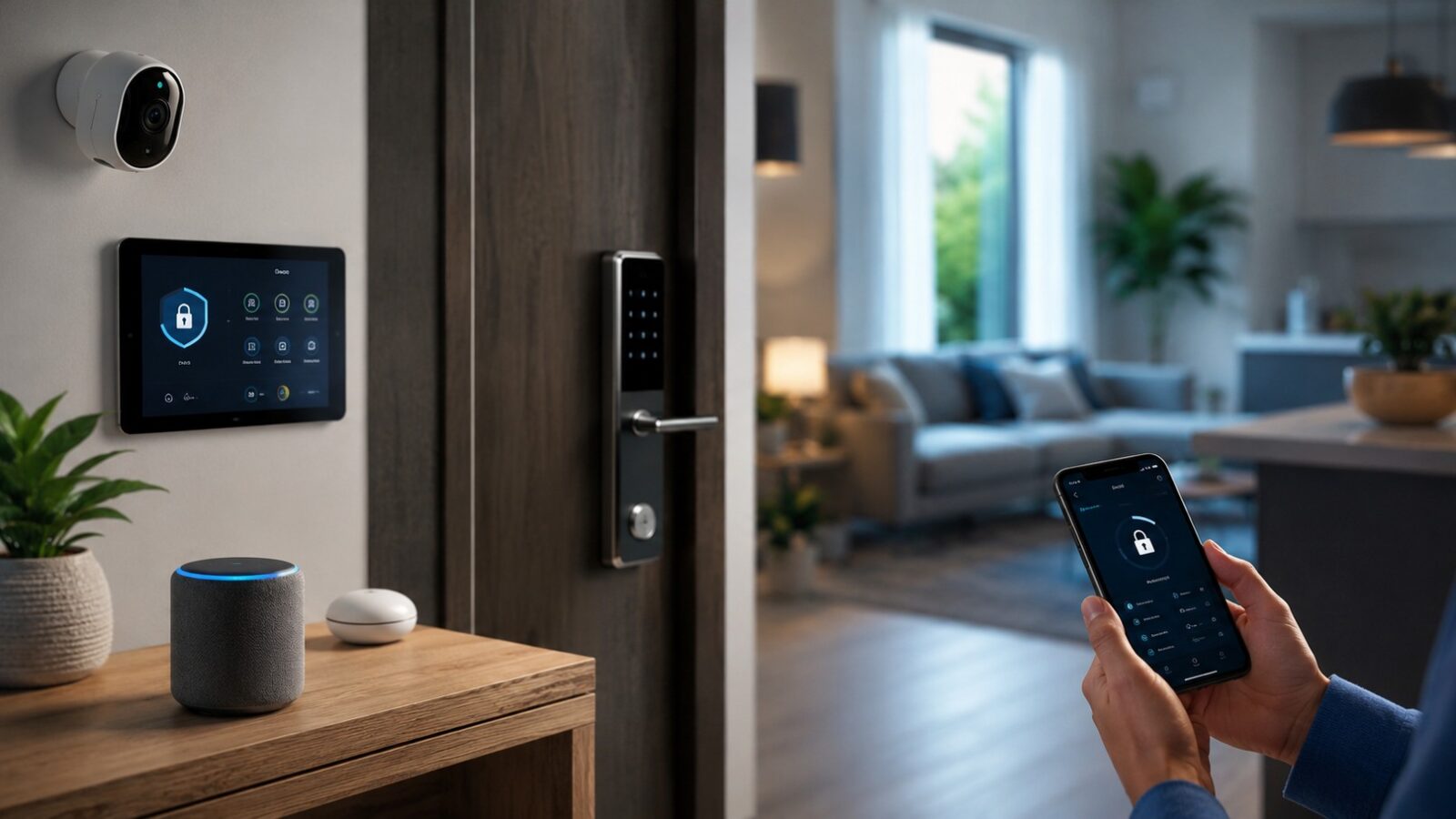
A smart home can be convenient without collecting unnecessary data or depending on a maze of accounts. Security starts before installation: choose products with clear support policies, limit what connects to the network and keep control of who can access each device.
Make an inventory before adding anything new
List every connected camera, speaker, television, plug, light, thermostat, doorbell and hub. Record the brand, model, account owner, installation room and whether automatic updates are enabled.
This inventory becomes important when a device is sold, replaced or stops receiving software support. It also reveals duplicate apps and products that no longer serve a useful purpose.
Secure the home network first
The router is the doorway used by most smart devices. Change the default administrator password, install current firmware and use WPA3 or WPA2 encryption where supported. The Wi Fi password should be long and different from account passwords.
A guest network or separate network for connected devices can reduce exposure between smart products and personal computers, depending on the router’s features. Follow the router manufacturer’s instructions rather than copying settings from an unrelated model.
Give every account its own password
Reusing one password across lighting, cameras and shopping accounts turns a single breach into a household problem. Use a password manager and enable multi factor authentication when the manufacturer offers it.
Shared households should avoid one person handing out a personal login. Use household or family access features so permissions can be removed without changing the primary account.
Check the update promise before purchase
A smart product depends on software after the hardware leaves the shop. Look for a published support period, a way to install security updates and clear instructions for what happens when support ends.
If the company does not explain how long updates will continue, treat that uncertainty as part of the price. A cheaper device can become poor value if essential services disappear after a short period.
Cameras and microphones deserve stricter rules
Place cameras only where monitoring is necessary. Avoid private areas and consider the view beyond the property. Review recording retention, cloud subscription terms and whether local storage is available.
For voice assistants, inspect stored recordings, linked services and purchase permissions. Mute the microphone when voice control is not needed. The beginner smart home setup guide explains how to begin with low risk devices before adding cameras or access controls.
Limit permissions in the companion app
Many apps request location, contacts, Bluetooth, microphone or photo access. Grant only what the feature needs. Background location may be useful for automatic arrival routines, but it should not be accepted without understanding why it is required.
Review permissions after major app updates because settings and features can change.
Keep physical controls available
Lights, heating and essential appliances should remain usable when the internet or cloud service fails. A normal wall switch, manual thermostat control or local button prevents a minor outage from disrupting the house.
This is especially important for accessibility, visitors and household members who do not use the app.
Be careful with automations that affect safety
- Test routines while someone is present.
- Avoid automations that open doors based only on location.
- Do not let a routine switch off equipment that must remain powered.
- Use notifications as a prompt to check, not proof that an event occurred.
- Keep smoke alarms and other life safety devices within their approved system and maintenance plan.
Review access when people or devices leave
Remove former residents, contractors and guests from apps and shared accounts. Before selling or donating a device, delete it from the account, perform the manufacturer’s factory reset and confirm that stored media or personal data has been removed.
When moving house, transfer or reset thermostats, cameras, hubs and doorbells. The next resident should not inherit access to the previous owner’s account.
A quarterly smart home check
- Install pending router and device updates.
- Review account members and app permissions.
- Confirm cameras still point only where intended.
- Delete unused automations and integrations.
- Check support notices for older devices.
- Remove products that no longer receive essential updates.
Convenience should not require blind trust
The strongest setup is usually the simplest one: a secure router, unique passwords, supported devices, limited permissions and a clear way to use the home manually. Add technology only when the benefit is worth the account, data and maintenance it introduces.